
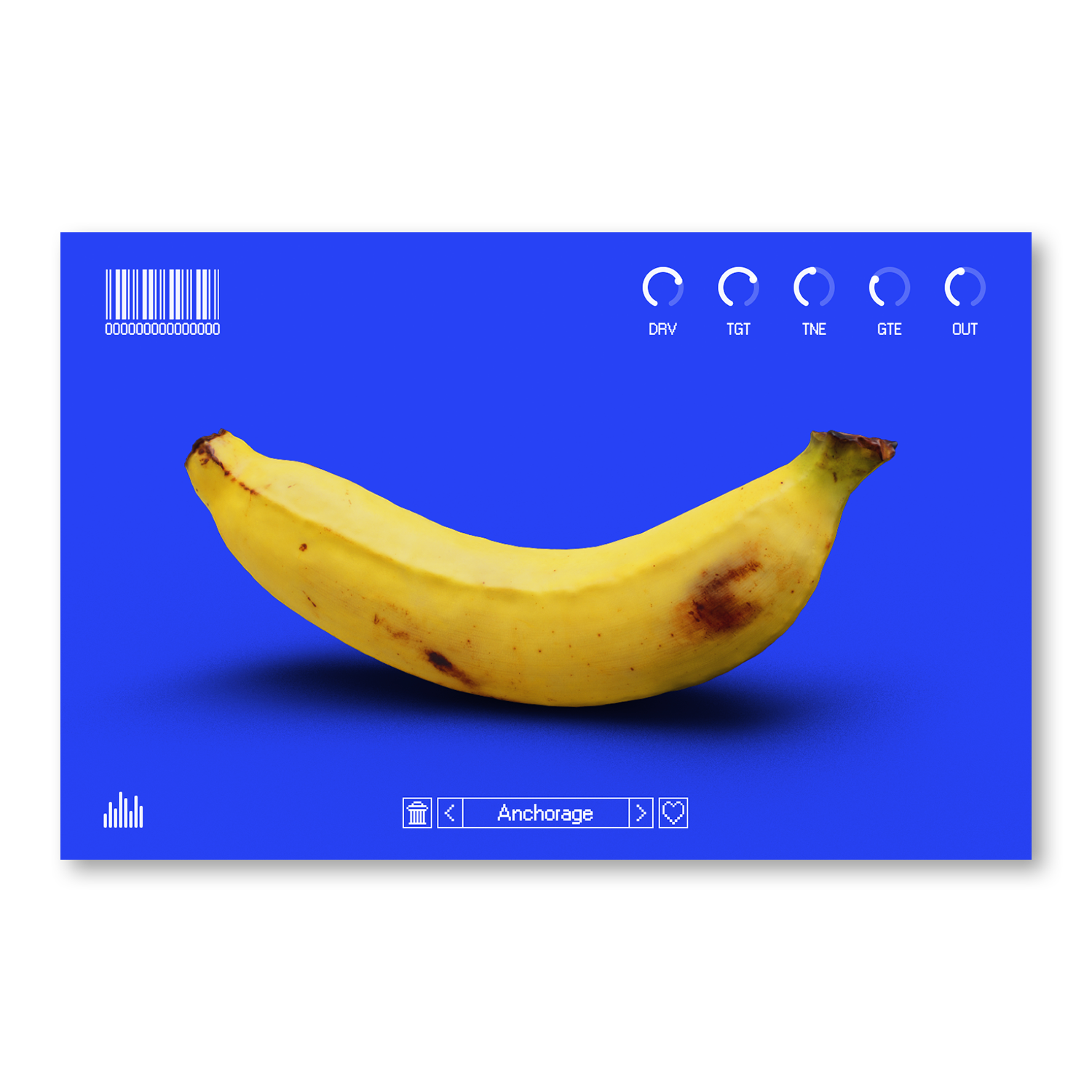
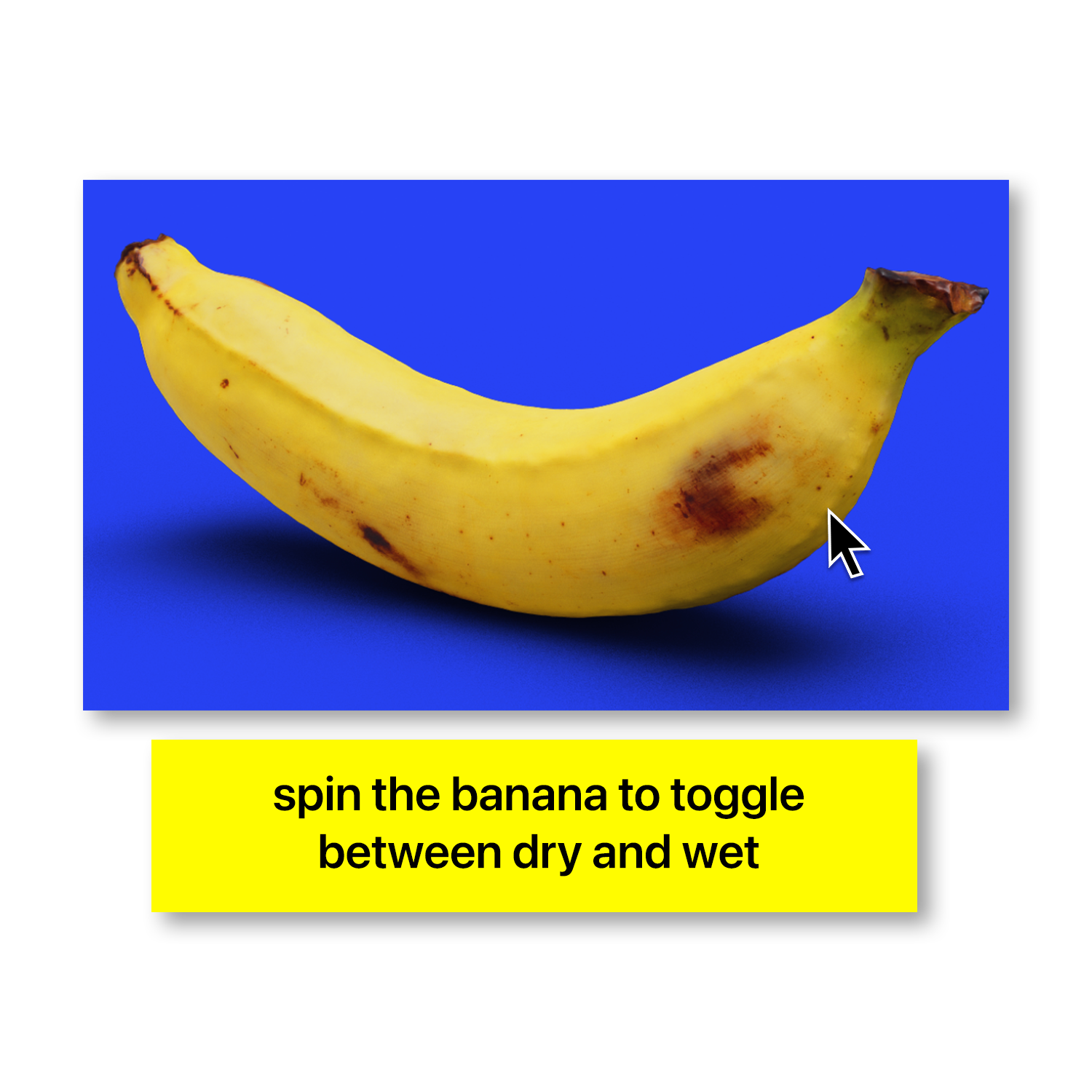
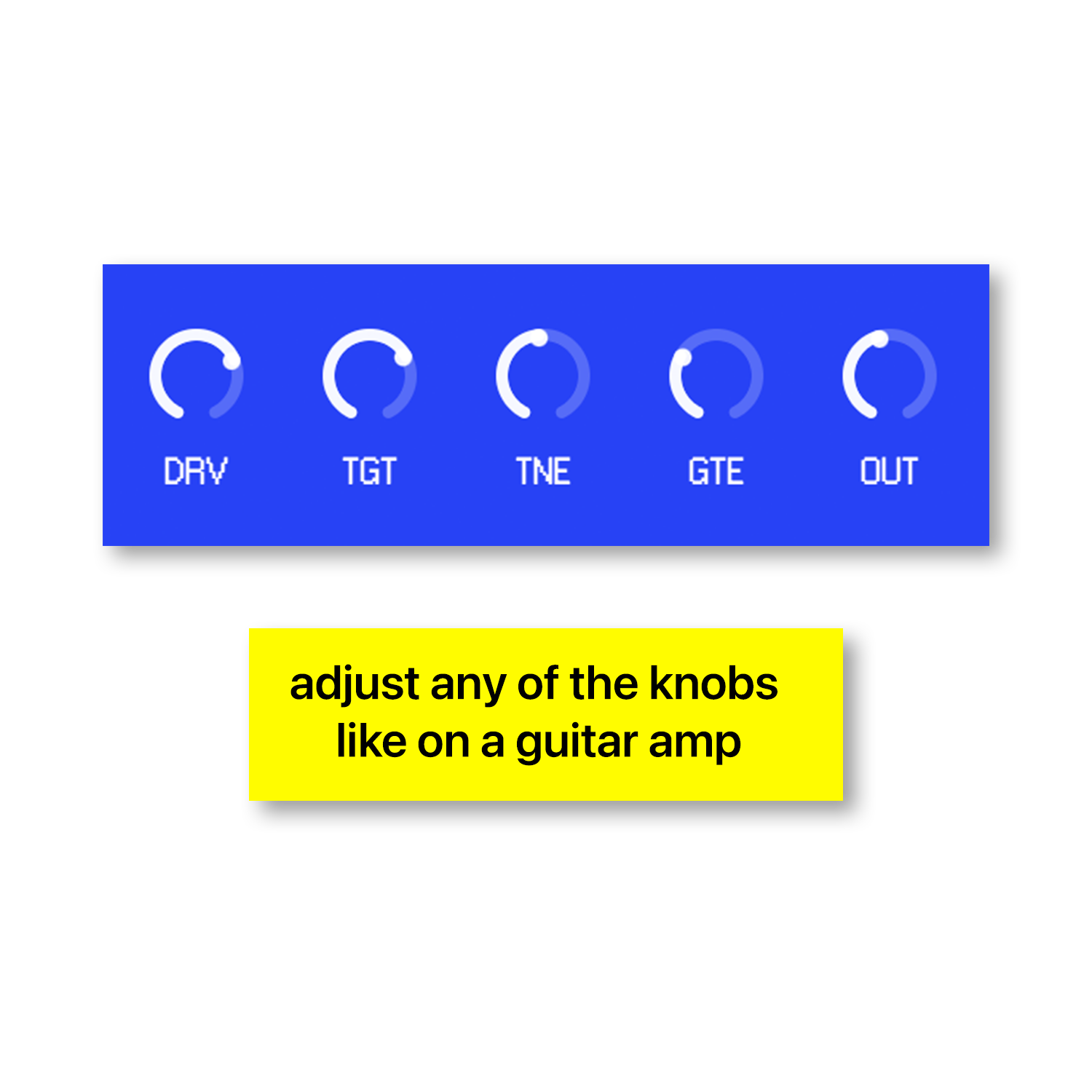
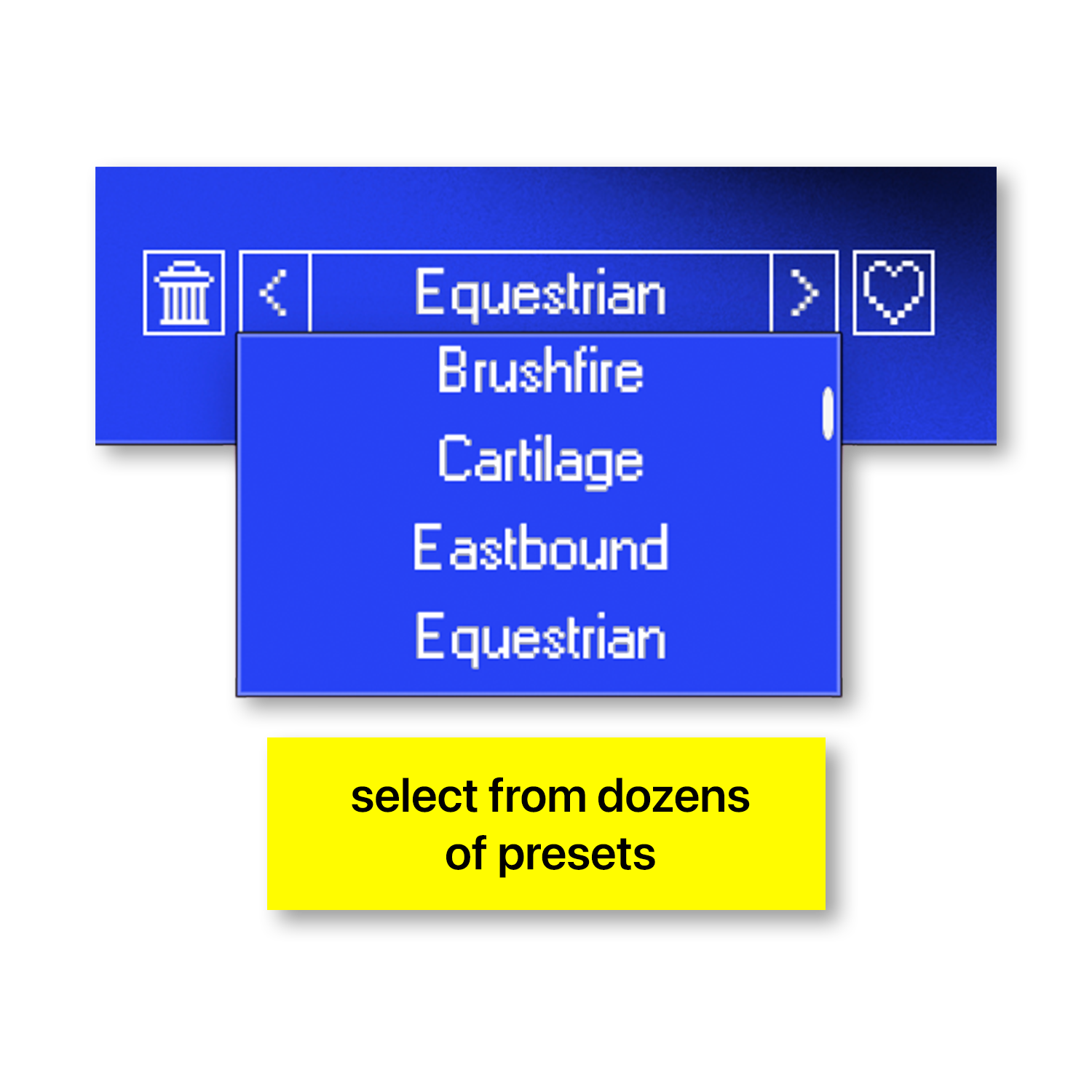
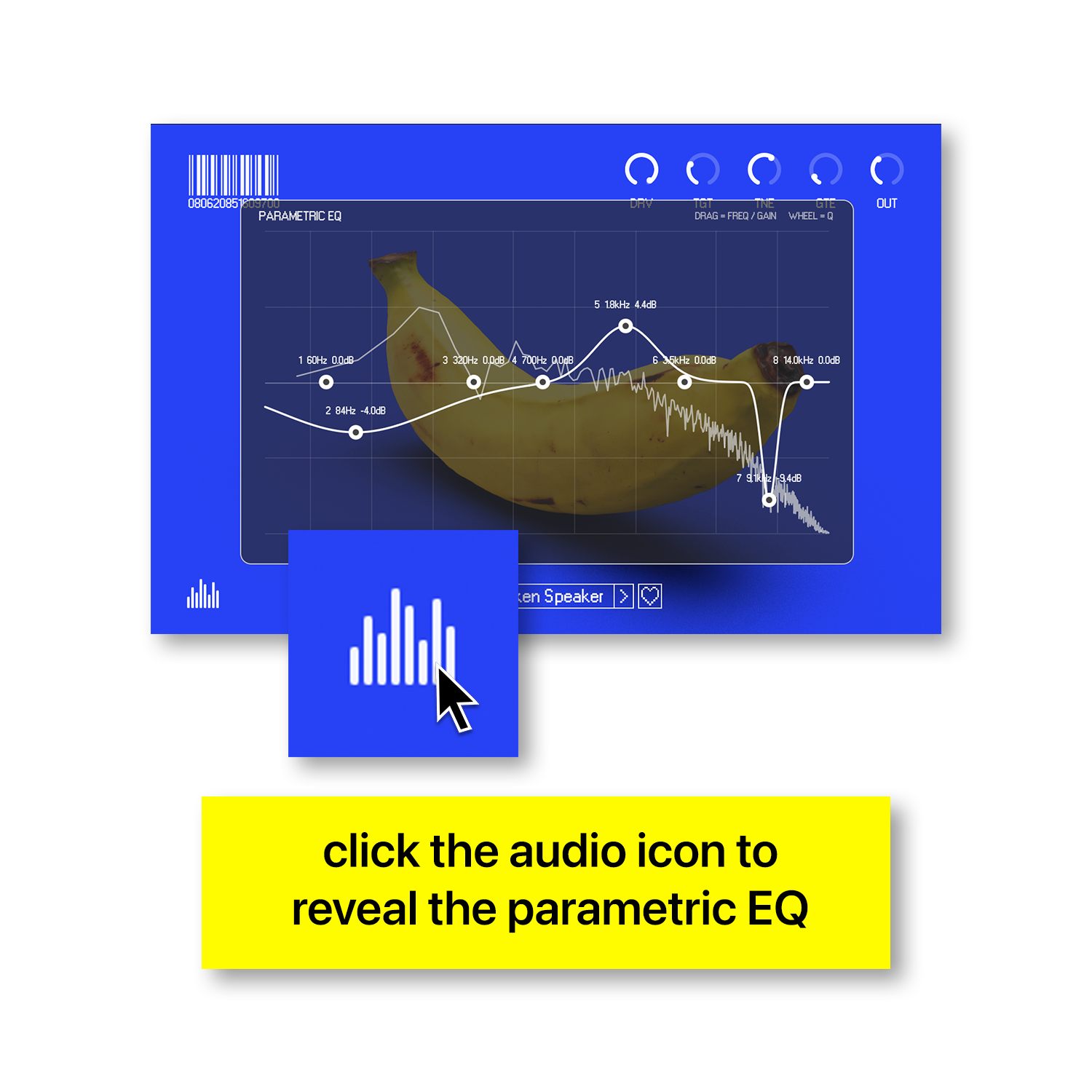
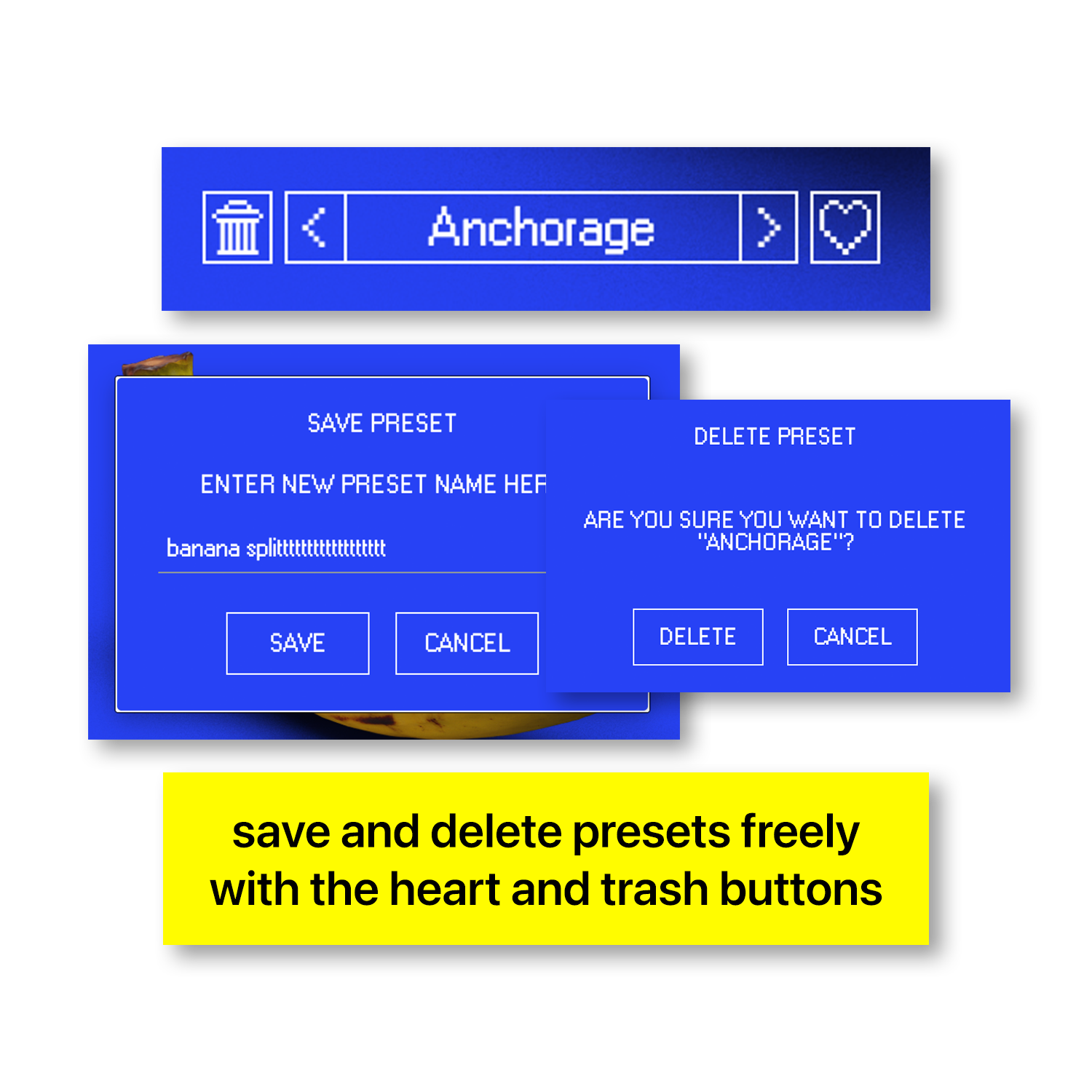



BANANA DRIVE is a creative drive and distortion effect for adding warmth, grit, and character to your sounds. Push subtle saturation into heavier distortion, shape the tonal balance, and bring new texture to drums, basses, synths, guitars, and samples. From gentle coloration to aggressive sound design, BANANA DRIVE helps your tracks stand out.
OverviewOverview
BANANA DRIVE gives your sounds added weight, texture, and attitude. Explore everything from subtle harmonic coloration to bold, distorted tones, with hands-on control over the character of your audio.
Features
EXPLORE BANANA DRIVE
drive and distortion
Creative Sequencing
saturated textures
Sound Shaping
Production Ready
Quick Exploration
Creative Flexibility
Custom Sounds
Designed for melodic parts, chords, unusual textures, laye
Large creative drive controls requires no separate sample-f
Low-friction activation with a Yonder Audio license code —
Compatible with major DAWs including Ableton Live, FL Stud
FAQ
What exactly is BANANA DRIVE?
BANANA DRIVE is a drive and distortion effect that adds texture, pulse, and energy to your sounds. It combines an hands-on sound shaping with hands-on parameters for reshaping each patch into something of your own.
What can I use BANANA DRIVE on?
Use BANANA DRIVE on synths, basses, drums, guitars, vocals, samples, and other audio that needs extra character.
Can BANANA DRIVE create subtle effects?
Yes. BANANA DRIVE can provide subtle coloration or more aggressive distortion.
Can I create my own distortion effects?
Experiment with different drive and tone settings to shape your own sound.
What kinds of distortion effects can I create?
Explore warm saturation, gritty textures, distorted tones, and creative sound design.
Do I need an external sample library?
No. BANANA DRIVE processes audio directly in your music production sessions.
Is BANANA DRIVE limited to a specific genre?
No. BANANA DRIVE works across genres wherever you want added saturation, grit, or distortion.
Can I experiment while working on a track?
BANANA DRIVE is designed for creative experimentation directly within your music production workflow.
How do I activate BANANA DRIVE?
After purchasing BANANA DRIVE, download it from your Yonder Audio account and generate your license key from your account dashboard. Enter the key when prompted to activate.
Is iLok required to use BANANA DRIVE?
No. BANANA DRIVE does not require iLok. Activation uses your Yonder Audio license key.
Does BANANA DRIVE work on Mac and Windows?
BANANA DRIVE is designed for compatible macOS and Windows DAWs using its supported plugin formats.
Which DAWs can I use BANANA DRIVE with?
BANANA DRIVE is designed for compatible DAWs, including Ableton Live, Logic Pro, FL Studio, Cubase, Reaper, and Bitwig.