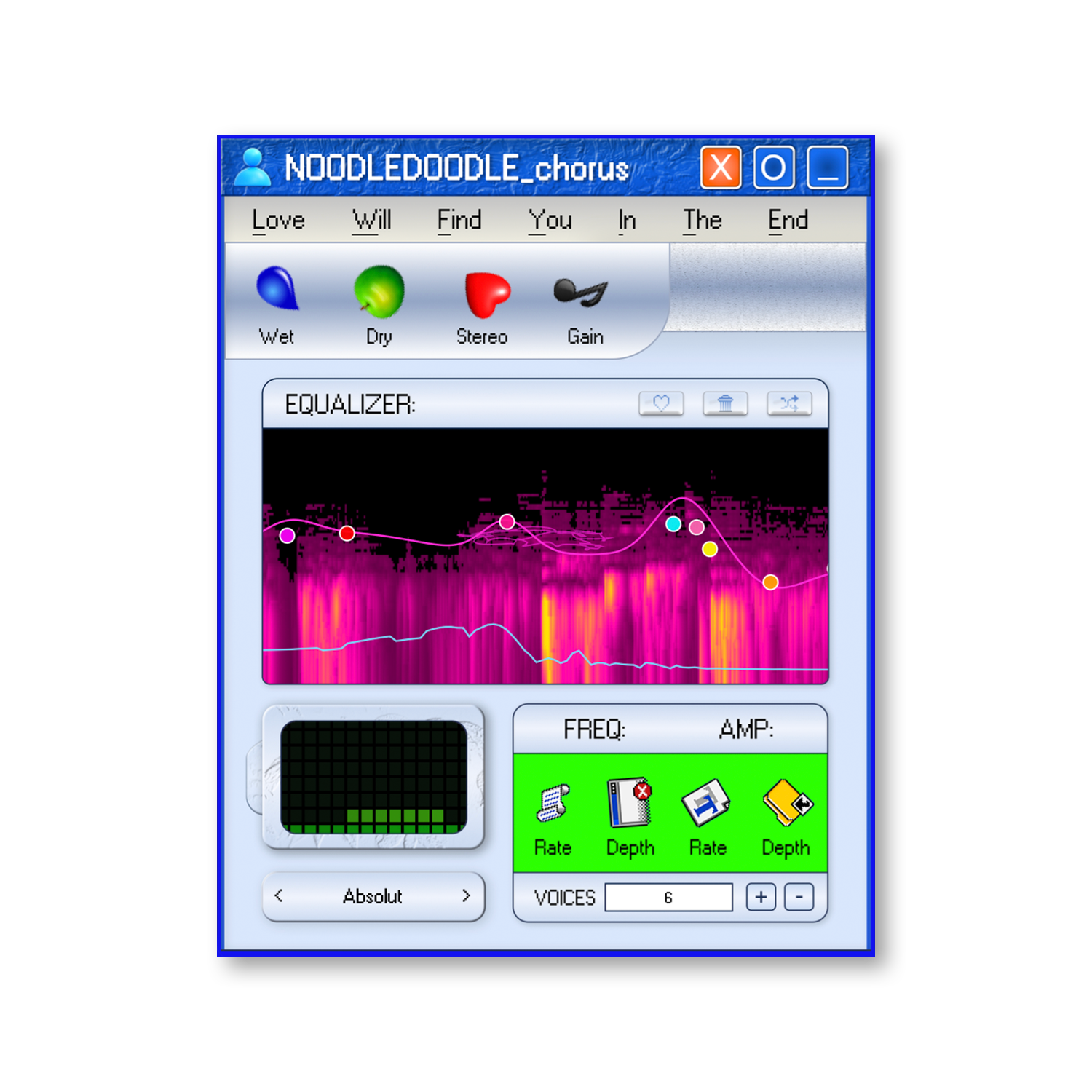




NOODLEDOODLE is a wildly creative audio effect built for transforming sounds into something unexpected. Its playful interface combines colorful effects, sound-shaping controls, and experimental processing in one unique plugin. From subtle tonal changes to strange textures and rhythmic movement, NOODLEDOODLE makes it easy to reshape your audio, explore new possibilities, and create sounds entirely your own.
OverviewOverview
Explore sound design and new musical ideas with NOODLEDOODLE.
Features
EXPLORE BUDDYBOY 2000
201 Factory Presets
Sample-Based Engine
Embedded Sound Library
21 Sound Controls
Full MIDI Support
Instant Preset Browsing
Quick Preset Navigation
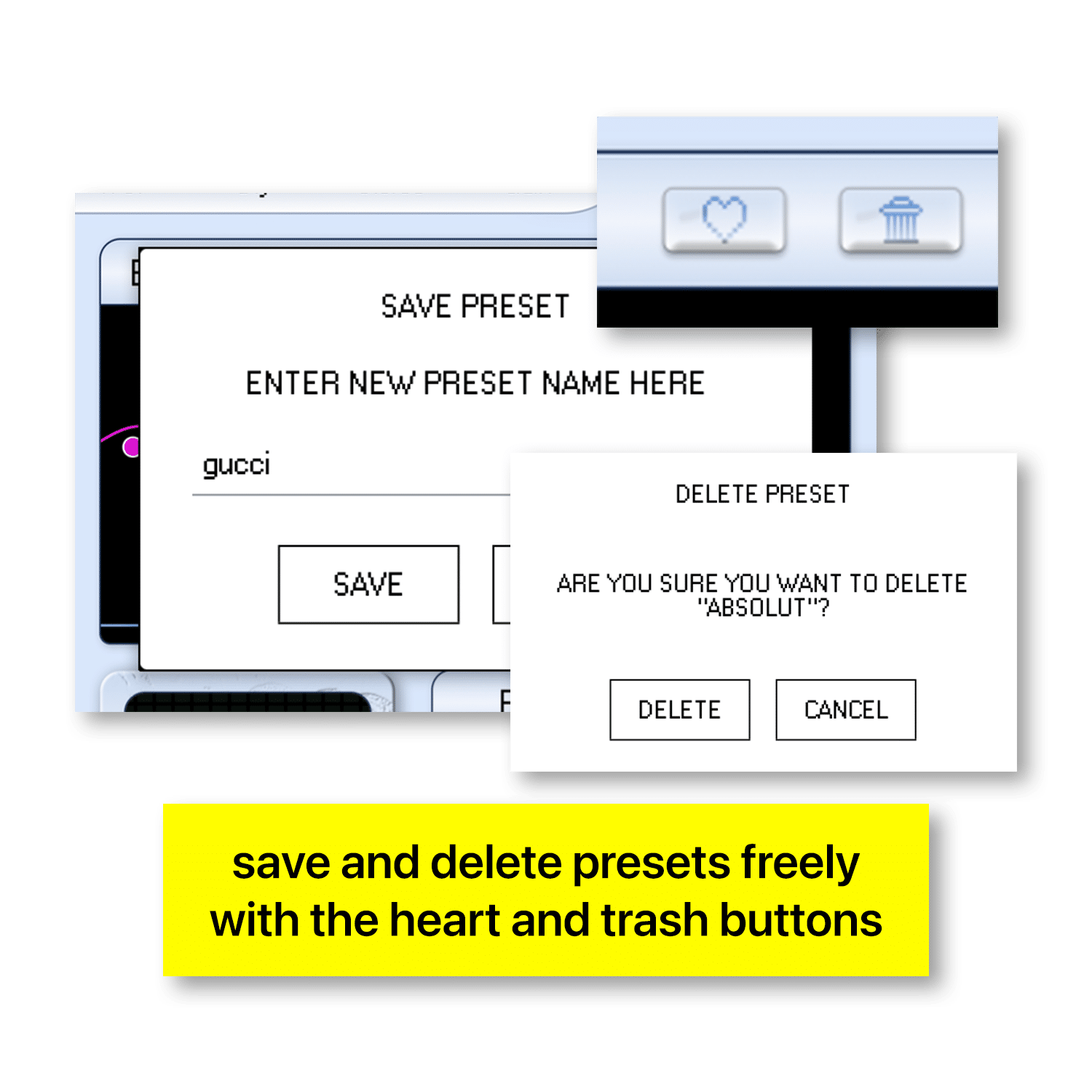
Custom Preset Library
Designed for melodic parts, chords, unusual textures, laye
Large built-in sound library requires no separate sample-f
Low-friction activation with a Yonder Audio license code —
Compatible with major DAWs including Ableton Live, FL Stud
FAQ
What exactly is NOODLEDOODLE?
NOODLEDOODLE is a sample-based software instrument built around a large collection of playable patches. It combines an embedded sound library with hands-on parameters for reshaping each patch into something of your own.
How many sounds are included with NOODLEDOODLE?
NOODLEDOODLE includes 201 factory patches covering a wide range of playable sounds, textures, melodic material, layers, and experimental starting points.
Can I modify the factory patches?
Absolutely. BuddyBoy gives you 21 adjustable parameters for shaping and transforming its patches beyond their factory settings, so the included sounds are starting points rather than fixed presets.
Can I save my own BuddyBoy presets?
Yes. You can create and save your own custom patches, then recall them alongside BuddyBoy’s factory library. User presets are automatically organized alphabetically to keep larger collections easy to browse.
How does preset browsing work?
BuddyBoy includes a dedicated preset browser along with previous and next controls, making it easy to move quickly through the 201 factory patches without constantly reopening the preset menu.
Do I need to manage any external sample folders?
No. BuddyBoy’s factory sample material is embedded directly into the plugin, so you do not need to locate, link, or maintain a separate sample library after installation.
Is NOODLEDOODLE designed for a specific type of sound?
Not at all. BuddyBoy is designed to cover a broad range of sounds. It can be used for melodic parts, chords, layers, unusual textures, and more experimental sound design depending on the patch and how you shape it.
Are parameter changes heard in real time?
Yes. BuddyBoy processes parameter changes in real time, so you can hear your adjustments immediately while playing and shape sounds by ear.
How do I activate NOODLEDOODLE?
After purchasing BuddyBoy, download it from your Yonder Audio account and generate your Yonder Audio license key from your account dashboard. Enter that license code when BuddyBoy asks for activation and the plugin will unlock.
Is iLok required to use NOODLEDOODLE?
No. NOODLEDOODLE does not require iLok. Activation is handled directly through your Yonder Audio license code.
Does NOODLEDOODLE work on both Mac and Windows?
Yes. NOODLEDOODLE supports AU on macOS and VST3 on Windows, allowing it to run in compatible DAWs on both platforms.
Which DAWs can I use NOODLEDOODLE with?
NOODLEDOODLE is designed for major DAWs including Ableton Live, Logic Pro, FL Studio, Pro Tools, GarageBand, Cubase, Reaper, Bitwig, and other hosts that support its available plugin formats.