
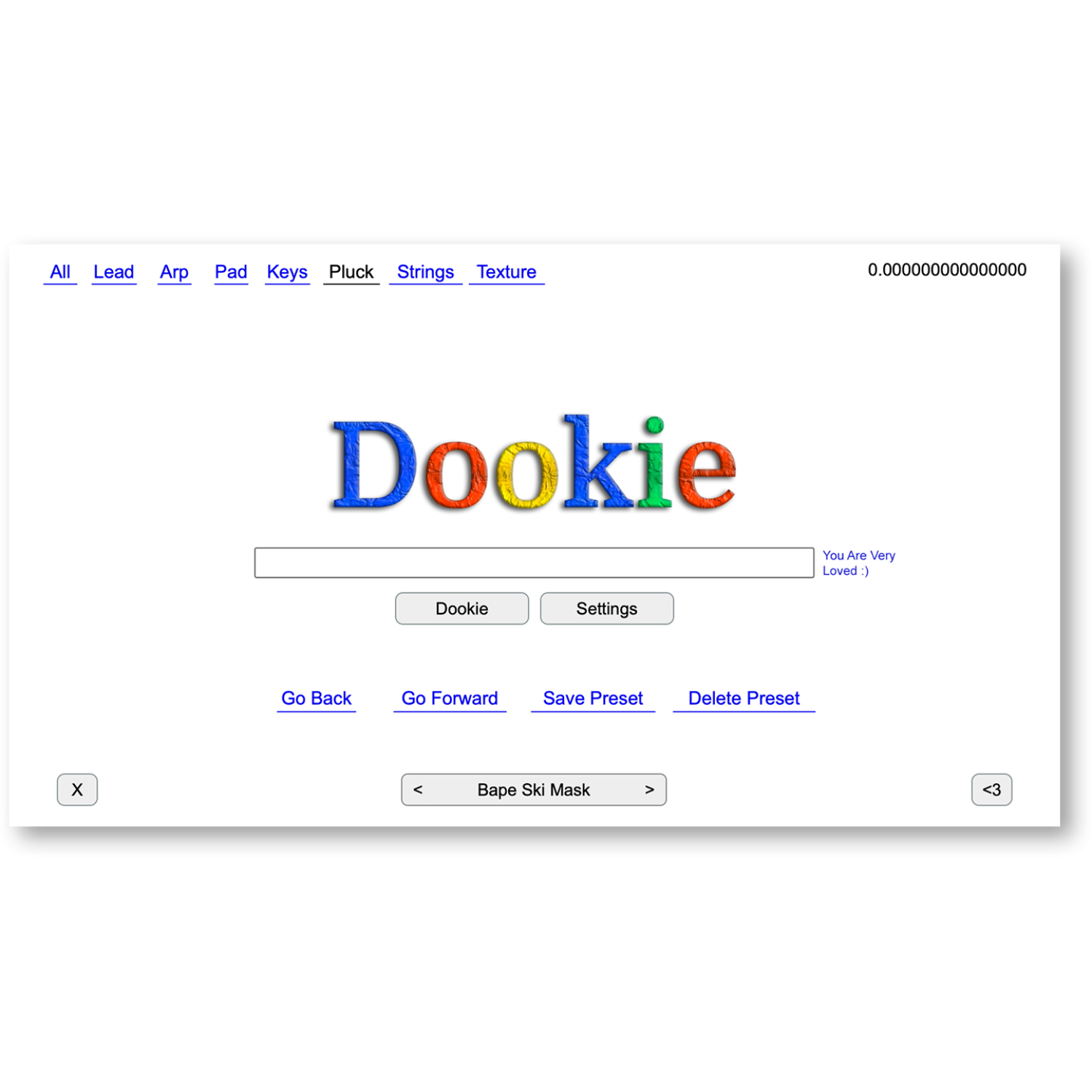
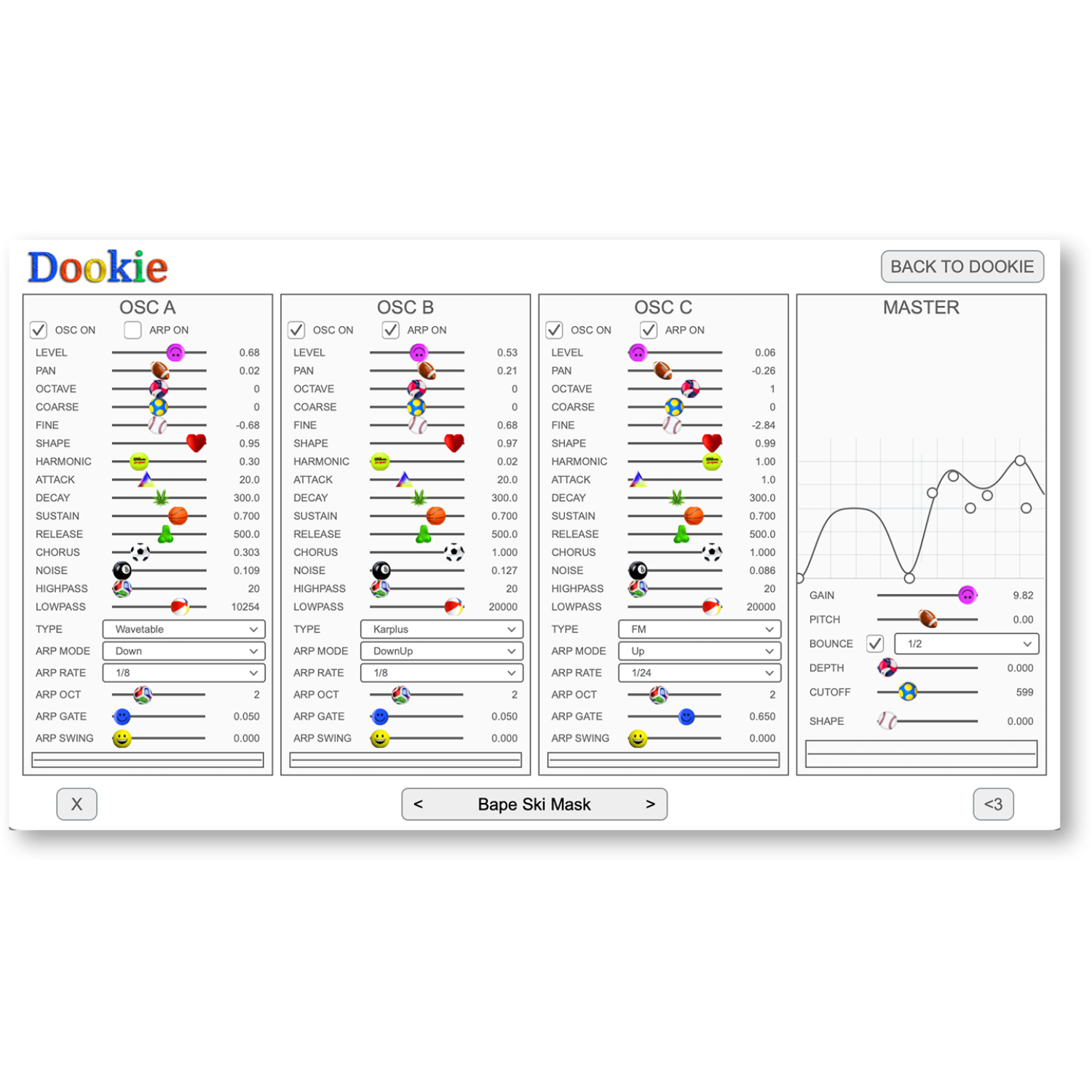
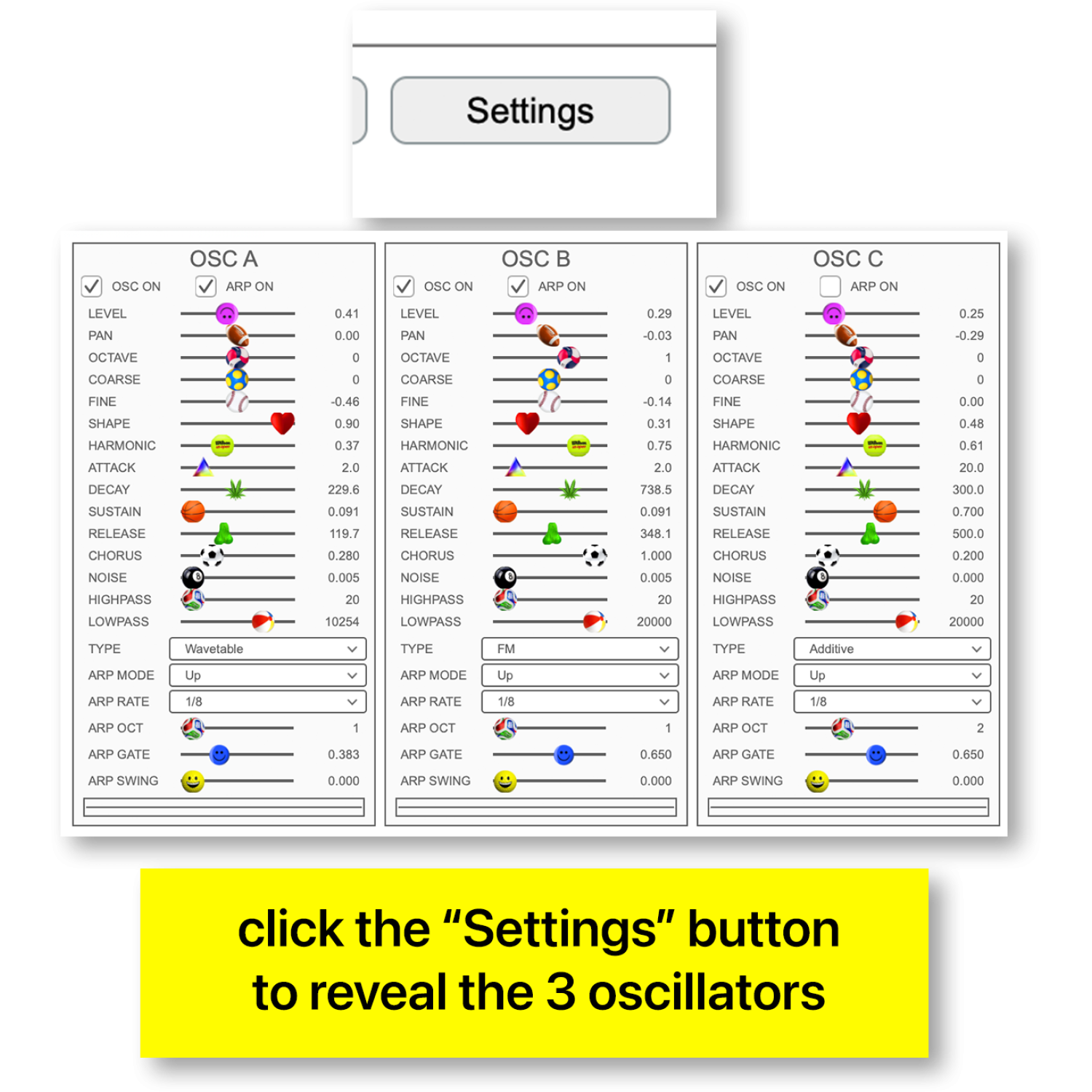
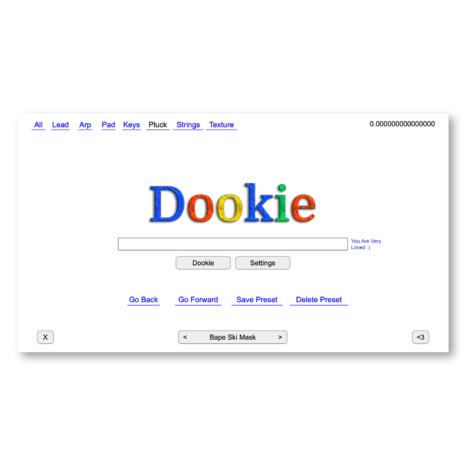

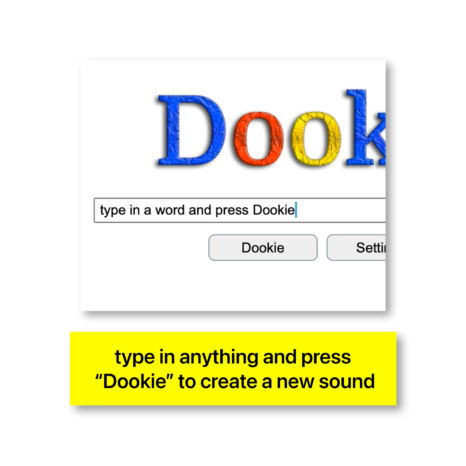
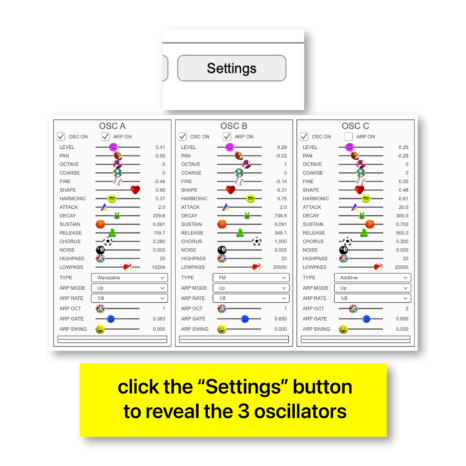
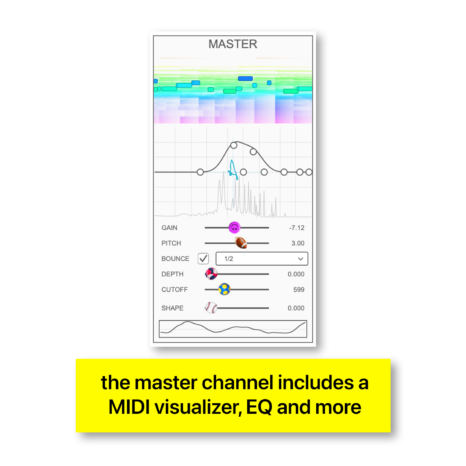


DOOKIE is a four-oscillator synthesizer made for fast, hands-on sound design. Shape raw tones, explore unusual textures, and generate fresh patches with a single click. From thick basses and bright leads to rhythmic sequences and experimental sounds, DOOKIE turns ideas into playable instruments.
OverviewOverview
Create, shape, and generate bold new sounds with DOOKIE.
Features
EXPLORE DOOKIE
Four Oscillators
Instant Sound Generation
Independent Pitch Control
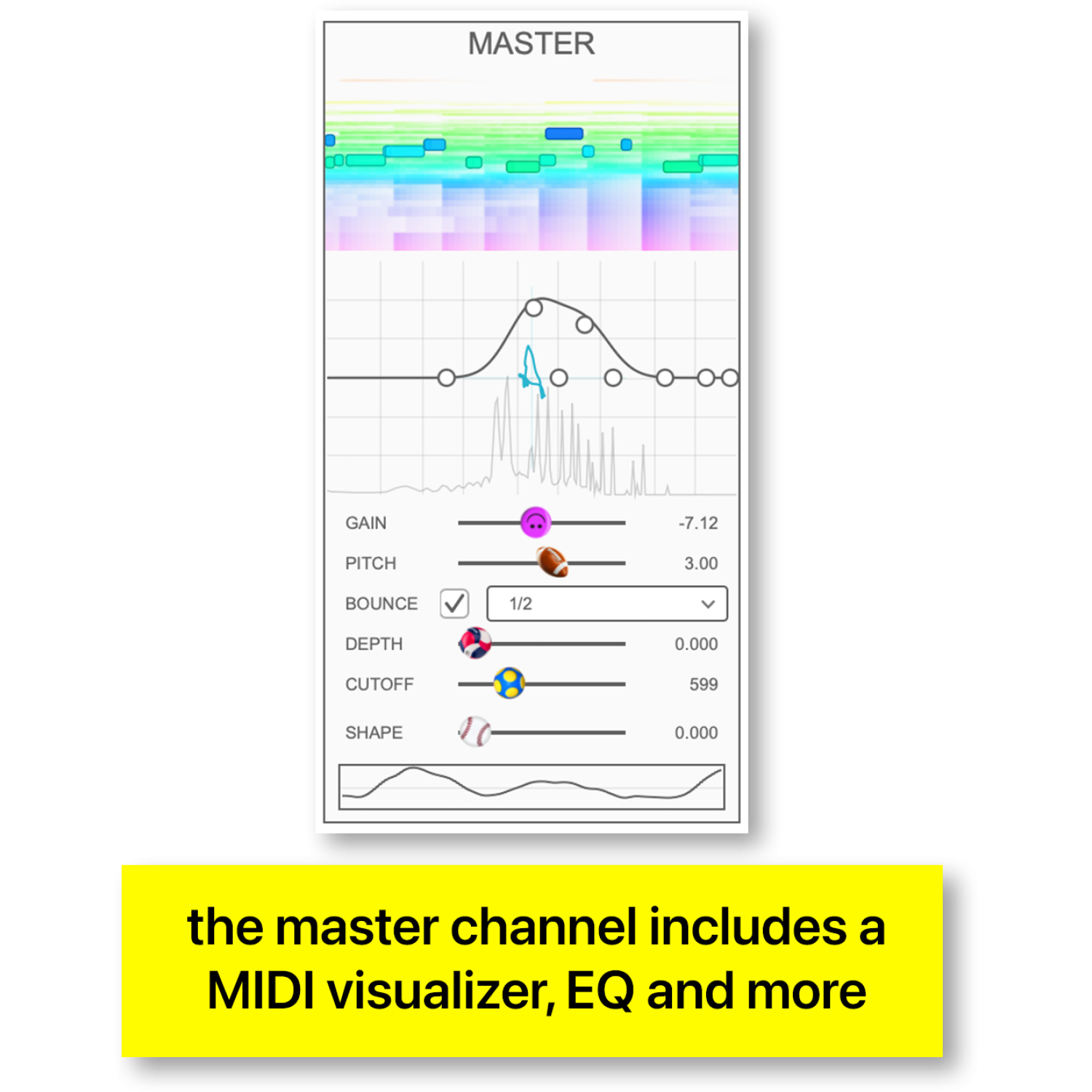
Master EQ
Rhythmic Arpeggiator
Creative Sound Design
Fresh Starting Points
Expressive Tone Shaping
Playable Synth Patches
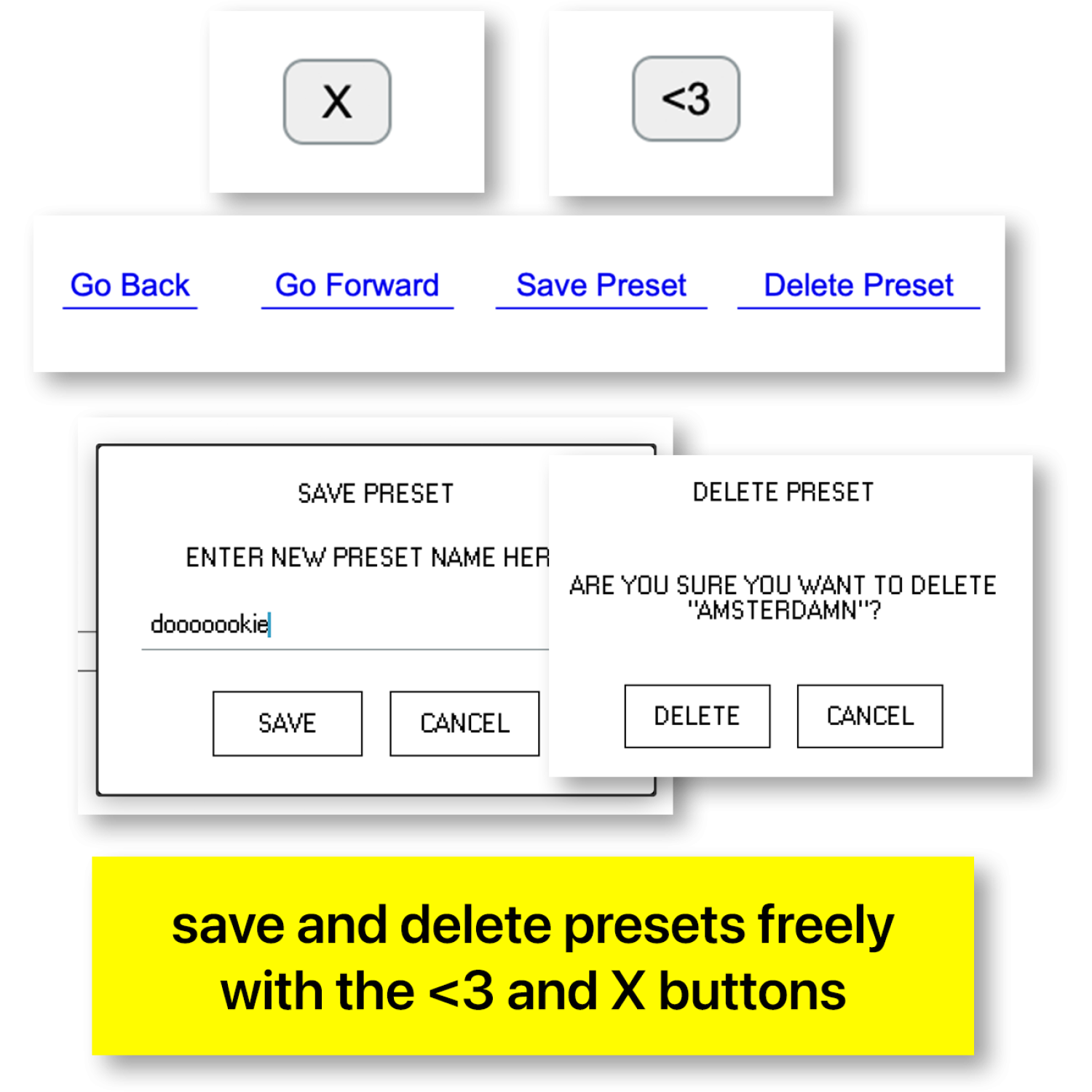
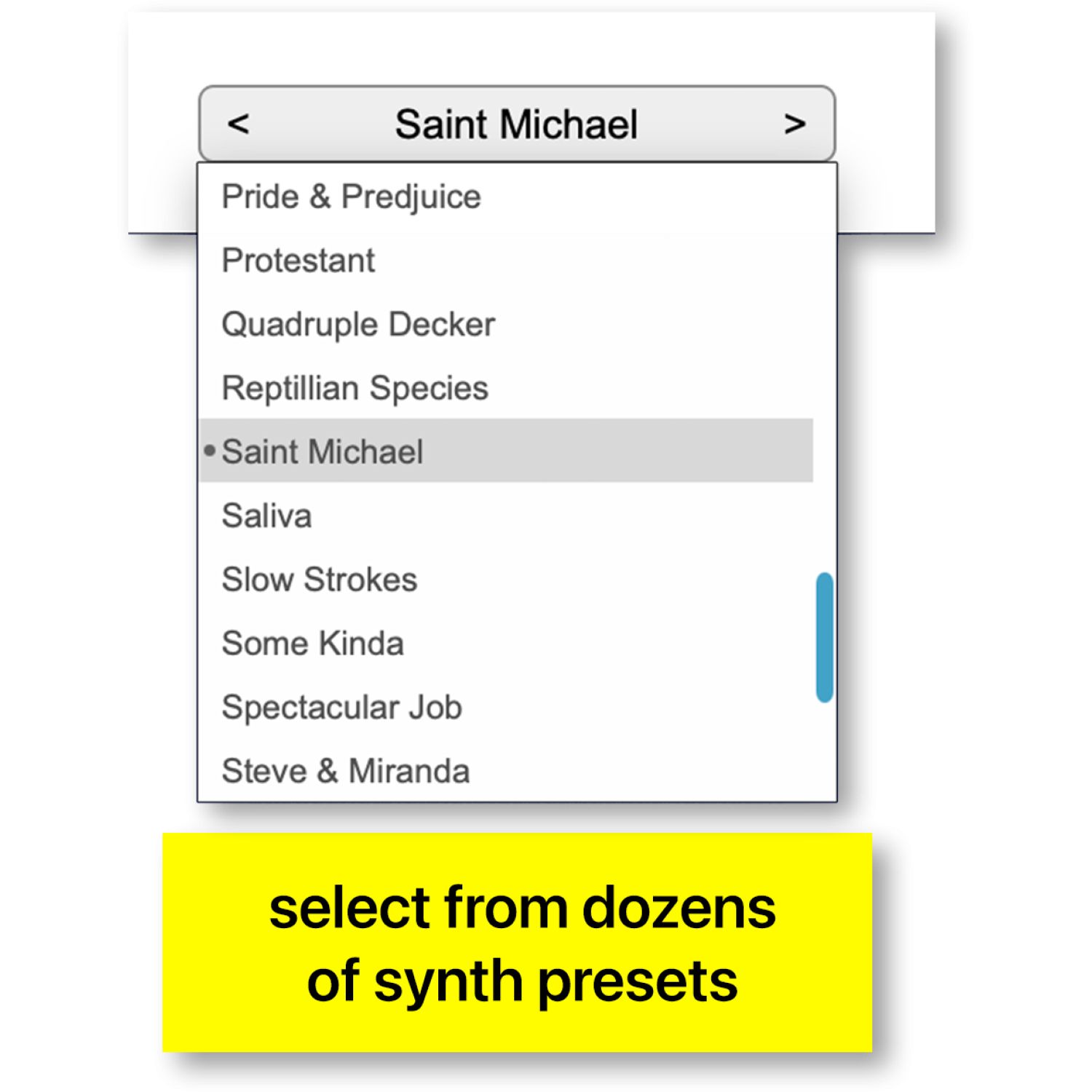
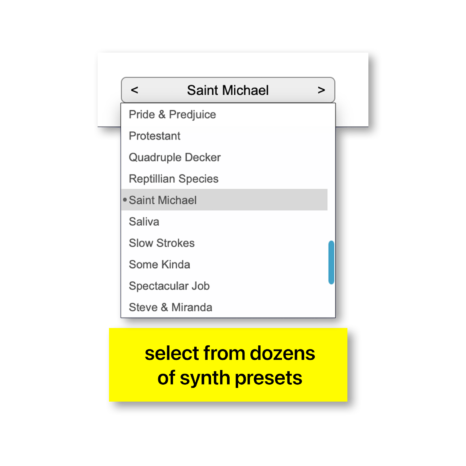
Preset Management
Easy License Activation
Major DAW Compatibility
FAQ
What is DOOKIE?
DOOKIE is a four-oscillator software synthesizer for creating and generating original sounds.
How does DOOKIE generate sounds?
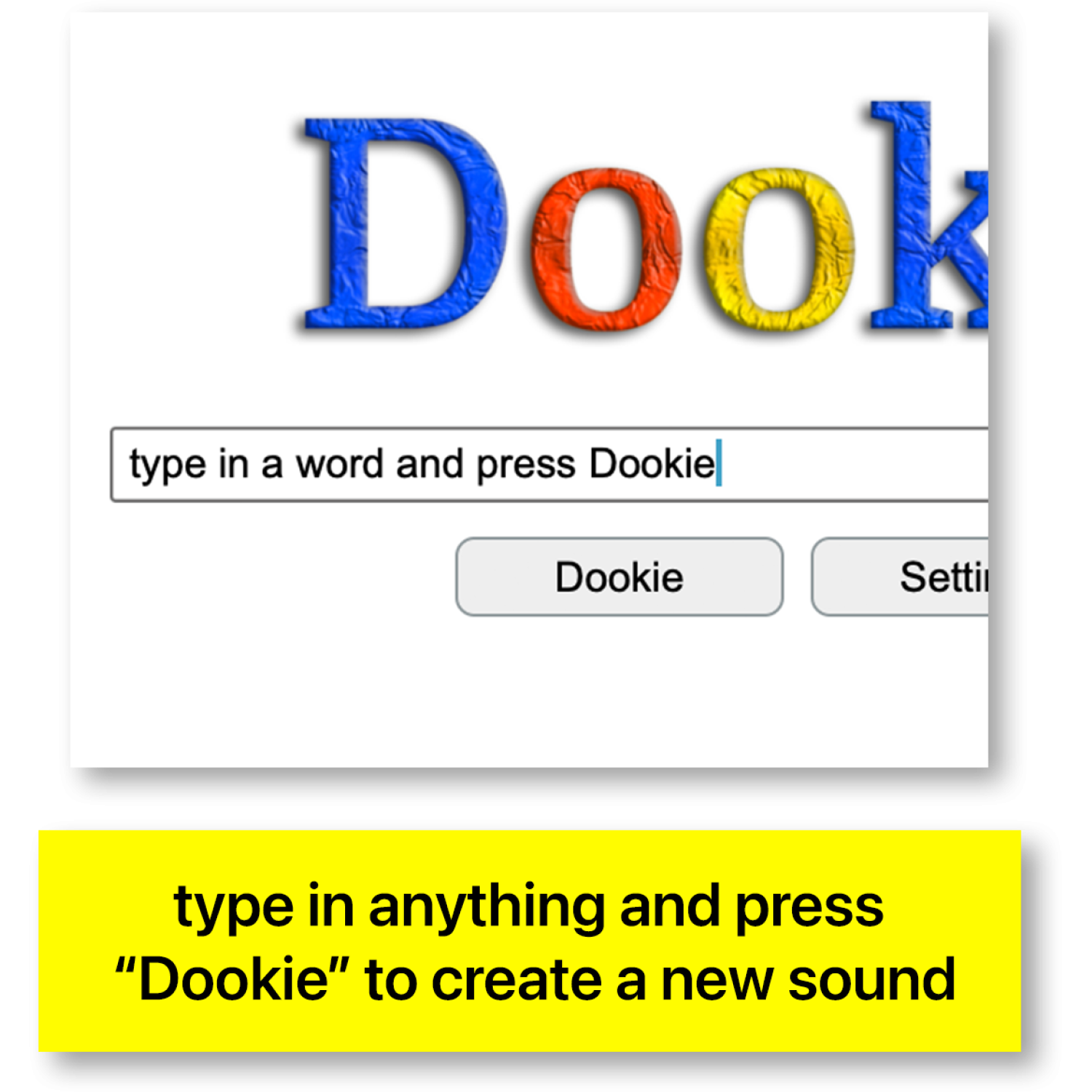
Press the DOOKIE button to generate a fresh patch and explore new sound combinations.
Can I tune each oscillator?
Yes. All four oscillators offer individual coarse and fine pitch controls.
Does DOOKIE include an EQ?
Yes. The master EQ lets you shape the overall tonal balance.
Can DOOKIE create rhythmic patterns?
Yes. Use the integrated arpeggiator to create rhythmic movement.
Can I create my own patches?
Yes. Shape sounds using the oscillators, pitch controls, and other synthesis parameters.
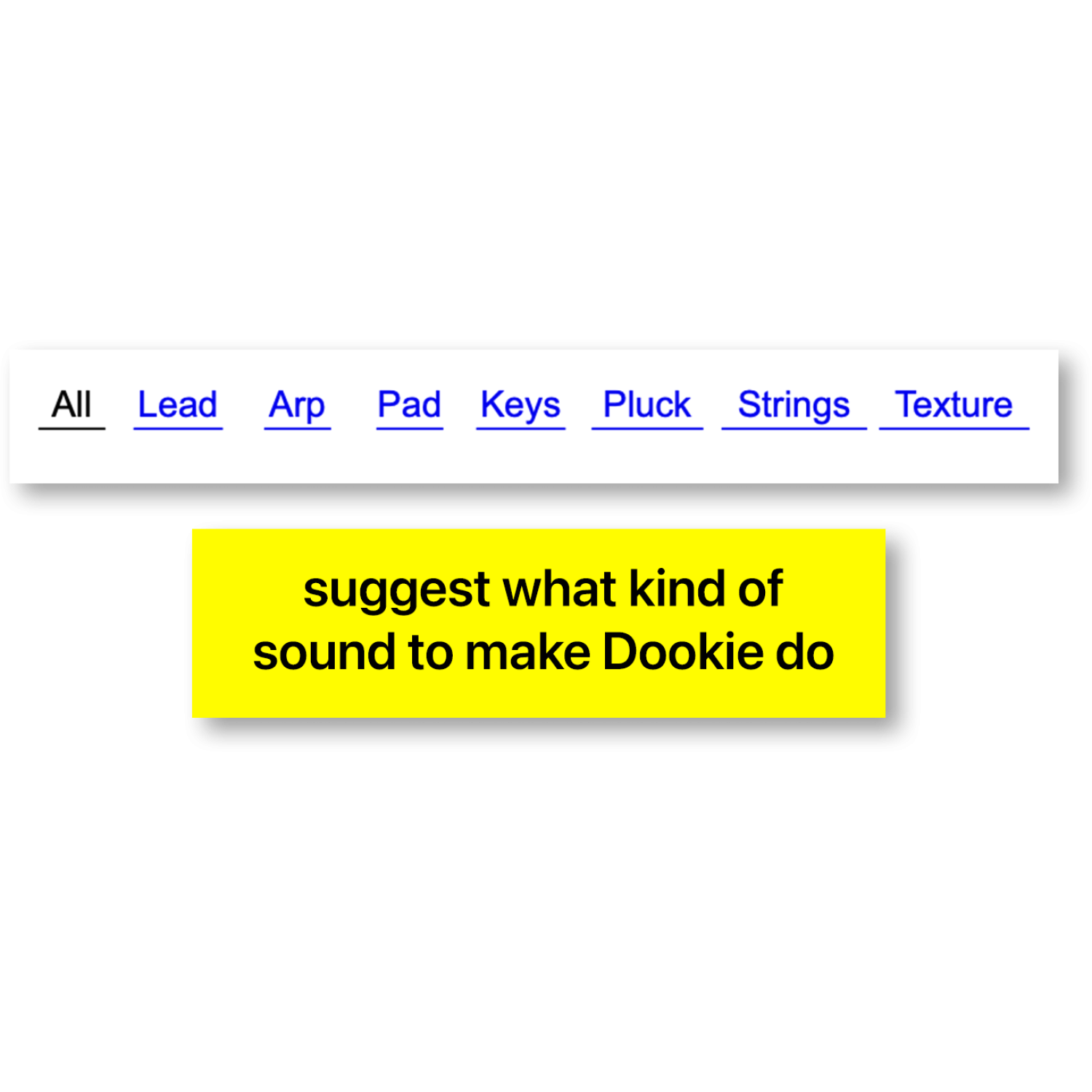
What sounds can DOOKIE make?
Explore basses, leads, melodic tones, evolving textures, and experimental patches.
Does DOOKIE require samples?
DOOKIE produces sound through synthesis without requiring a separate sample library.
How do I activate DOOKIE?
Use your Yonder Audio license key in the plugin's activation interface.
Does DOOKIE require iLok?
No. DOOKIE uses Yonder Audio's own licensing system.
Is DOOKIE available for Mac and Windows?
DOOKIE is developed for macOS and Windows in supported plugin formats.
Which DAWs support DOOKIE?
Use DOOKIE with a compatible DAW that supports its available plugin formats.